Storage tech moves fast, and Gen 5 NVMe drives have completely taken over high-end rigs. But let’s be real: early adopters paid a massive luxury tax for those blazing-fast speeds—and the monstrous heatsinks required to keep them from melting. Now, a new wave of hardware is hitting the market: the budget PCIe 5.0 SSD without dram cache.
If you are building a new gaming rig or upgrading your workstation, you might be wondering if ditching the DRAM cache to save some cash is a smart move. Let’s break down how these cost-effective Gen 5 drives stack up in 2026.
Understanding DRAM-less Gen 5 Technology
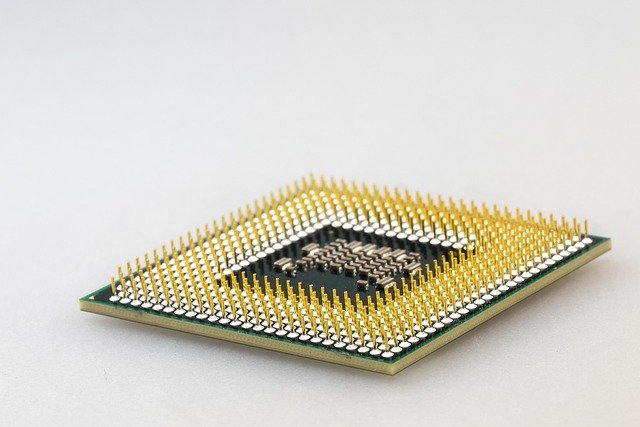
To hit lower price points, manufacturers are skipping the expensive standalone DRAM chip traditionally used to store the drive’s mapping tables. Instead, a budget PCIe 5.0 SSD without dram cache relies on Host Memory Buffer (HMB) technology. HMB borrows a tiny sliver of your system’s system RAM—usually just 64MB—to manage file lookup operations.
While this might sound like a downgrade compared to traditional flagship drives, modern controller architecture has gotten remarkably smart. These newer DRAM-less controllers squeeze incredible sequential speeds out of PCIe 5.0 lanes while slashing manufacturing costs. It is the primary reason why entry-level Gen 5 pricing is finally starting to look appealing to mainstream builders.
- Significantly lower price tags compared to flagship drives
- Lower power consumption and reduced thermal output
- Utilizes system RAM efficiently via HMB technology
Real-World Performance vs. Spec Sheets

When you look at the box, a budget PCIe 5.0 SSD without dram cache still boasts impressive numbers—often pushing well past 10,000 MB/s. For everyday tasks like booting Windows, launching games, and loading heavy applications, you won’t notice a massive difference between a DRAM-less drive and a top-tier premium option.
However, the real test happens during sustained heavy workloads. If you frequently move massive 400GB video files or write huge chunks of data back-to-back, a DRAM-less drive will eventually hit its SLC cache limit and slow down. For the average gamer and content consumer, though, these performance dips rarely happen during normal daily use.
Is a DRAM-Less Gen 5 Drive Right For You?

Choosing your next storage drive always comes down to a balance between workload and wallet. If you are a professional video editor handling multi-stream 8K footage all day, stick to a high-end drive with a dedicated cache. You need sustained sequential write speeds that won’t flinch under pressure.
On the flip side, if you are a gamer, coder, or general enthusiast wanting a future-proof system without breaking the bank, a budget PCIe 5.0 SSD without dram cache is a very compelling option. You get the raw lane bandwidth of Gen 5 technology without paying top-dollar for features you might not even max out.
Frequently Asked Questions (Q&A)
Do budget PCIe 5.0 SSDs without DRAM run hot?
Yes, all PCIe 5.0 drives generate significant heat due to the high-speed controller logic. Even though DRAM-less models use slightly less power, you should still use a decent motherboard heatsink or an aftermarket cooler to prevent thermal throttling.
Can I use HMB on a desktop PC?
Absolutely. Host Memory Buffer (HMB) works natively on modern Windows operating systems for NVMe drives, allowing the SSD to use a tiny fraction of your system’s main RAM to handle mapping duties efficiently.
Will a DRAM-less Gen 5 SSD bottleneck my gaming PC?
No. For gaming, direct storage and high sequential read speeds matter most. A DRAM-less Gen 5 drive will load games lightning-fast, and you will not experience any noticeable stuttering or performance loss in modern titles.
Tags: SSD, PCIe 5.0, PC Hardware, Storage